




IvyBet App
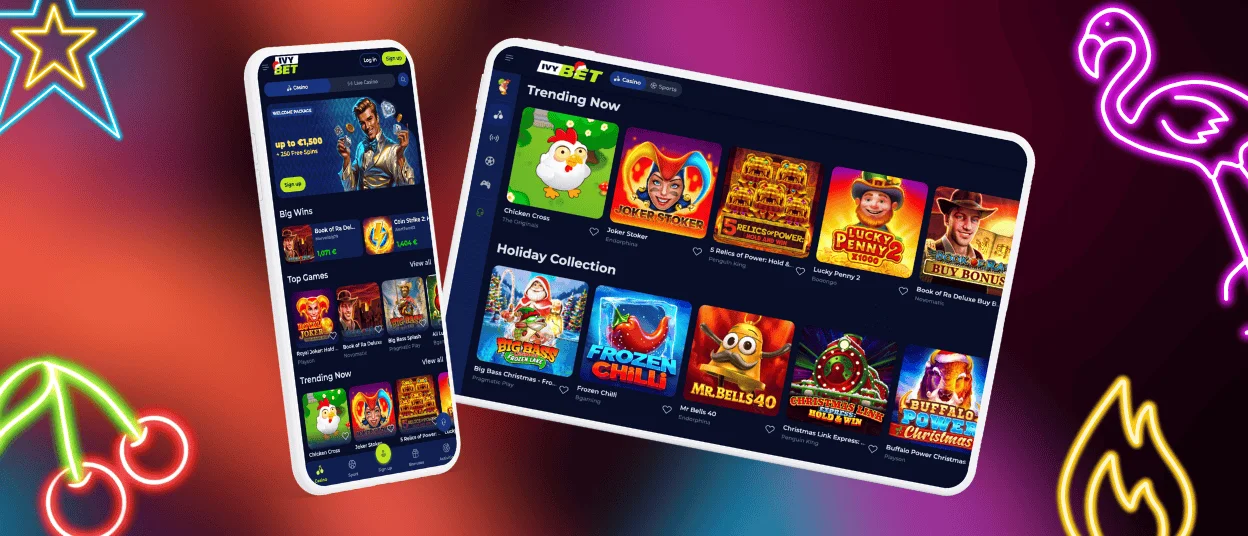
Whether you play on your phone, tablet, or computer, the IvyBet app experience stays the same. We offer a PWA that works on Android and iOS, alongside a full desktop version in any modern browser. To make things faster, you can add a shortcut to your home screen in just a few seconds. No app store needed — just open the site and you are ready to go.



Why Use the IvyBet Casino PWA
The Ivy Bet PWA (Progressive Web App) is our mobile solution for Android and iOS. It gives you the same full casino experience as a native app but installs directly from your browser. Here is what that means in practice:
| Benefit | Details |
| No app store required | Install directly from the website — no Google Play or App Store needed |
| Saves storage space | The PWA uses far less storage than a traditional app download |
| Always up to date | Updates automatically in the background — nothing to manage manually |
| Full-screen mode | Opens without the browser address bar, just like a native app |
| All games included | Slots, slingo, live casino, table games, and instant wins |
| Secure connection | TLS encryption protects your data on every session |
| Same account | Log in with the same credentials you use on desktop |
Ivy Bet App for Android
The IvyBet app works on any Android phone or tablet running a modern version of Chrome. The installation takes under a minute, and once it is done, you will find the Ivy Bet Casino icon on your home screen ready to tap.
How to install the IvyBet app on Android:
- Open the browser on your Android device and go to the website.
- Open the menu — three dots in the top-right corner.
- Tap Add to Home Screen.
- Confirm with Add.
The IvyBet icon appears on your home screen. Tap it to open the casino directly — no browser navigation, no typing the address each time. The IvyBet app adapts to your screen size automatically, so everything looks and works correctly on both small phones and large tablets.
We do not offer an Ivy Bet APK download. The PWA is a safer and more reliable way to access the mobile casino. It doesn’t require installing unknown files or manually updating.
IvyBet App for iOS
iPhone and iPad users can add IvyBet Casino to their home screen using Safari. The process takes about a minute and gives you a shortcut that opens the casino in full-screen mode.
How to install the Ivy Bet app on iPhone or iPad:
- Open the Ivy Bet website in Safari.
- Hit the Share icon at the bottom of the screen — the square with an arrow pointing up.
- Find Add to Home Screen in the list and tap it.
- Tap Add.
The IvyBet Casino icon appears on your home screen alongside your other apps. From there you can rename it, move it to any folder, or set an extra passcode through your phone’s Screen Time settings for added security. Tap it to open the casino directly, without going through the browser.
All payment methods available on desktop work in the iOS version too.

IvyBet Casino for Windows/macOS
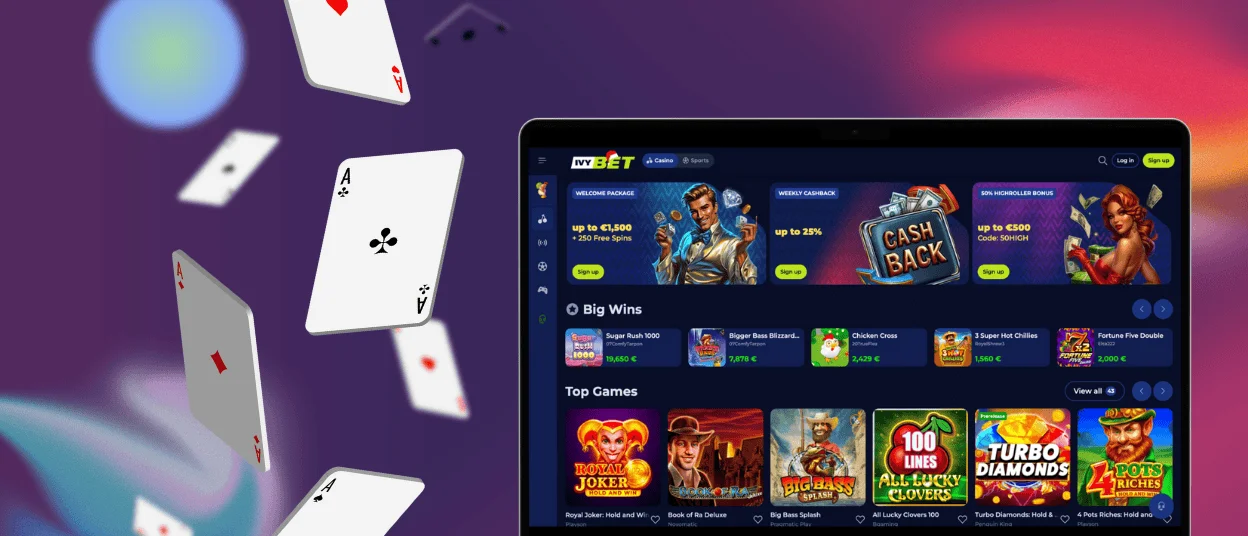
Nothing to install. Open the website in any modern browser and the full casino loads straight away. The desktop version gives you the widest view of the game lobby — every category is one click away.
| Feature | Details |
| Runs without a browser | Opens as a standalone app from your desktop |
| Easy game browsing | All categories are one click away, no extra tabs |
| Live casino betting | A bigger screen makes it easier to track tables and place bets |
| Full game library | Every title available, same as the mobile version |
| Payment methods | All methods available, identical to mobile |
| Same account | One account works across desktop app and mobile |
One Account Across All Devices
Your IvyBet account works the same on every device. Log in on your phone and continue on your laptop — your balance, payment history, and game progress are always in sync. Most payment methods are available across all devices, with some options like Google Pay and Apple Pay available on mobile only.
FAQ
Does Ivy Bet have a native app in the App Store or Google Play?
No. IvyBet Casino uses a PWA instead. You install it directly from our website — no app store required. On Android, use Chrome to add it to your home screen. On iPhone or iPad, use Safari.
Will the IvyBet PWA run smoothly on older devices?
The PWA works on most devices with an up-to-date browser. Older phones may see slower load times on graphics-heavy games, but the core casino functions work fine. Keeping your browser updated gives you the best experience.
Are my deposits secure when using the mobile app?
Yes. Every transaction you make through the Ivy Bet App goes through the same TLS-encrypted connection as the desktop site. Your payment details are never stored on the device itself — they pass directly to our payment processors. KYC verification is required before your first withdrawal, which adds an extra layer of protection to your account.


